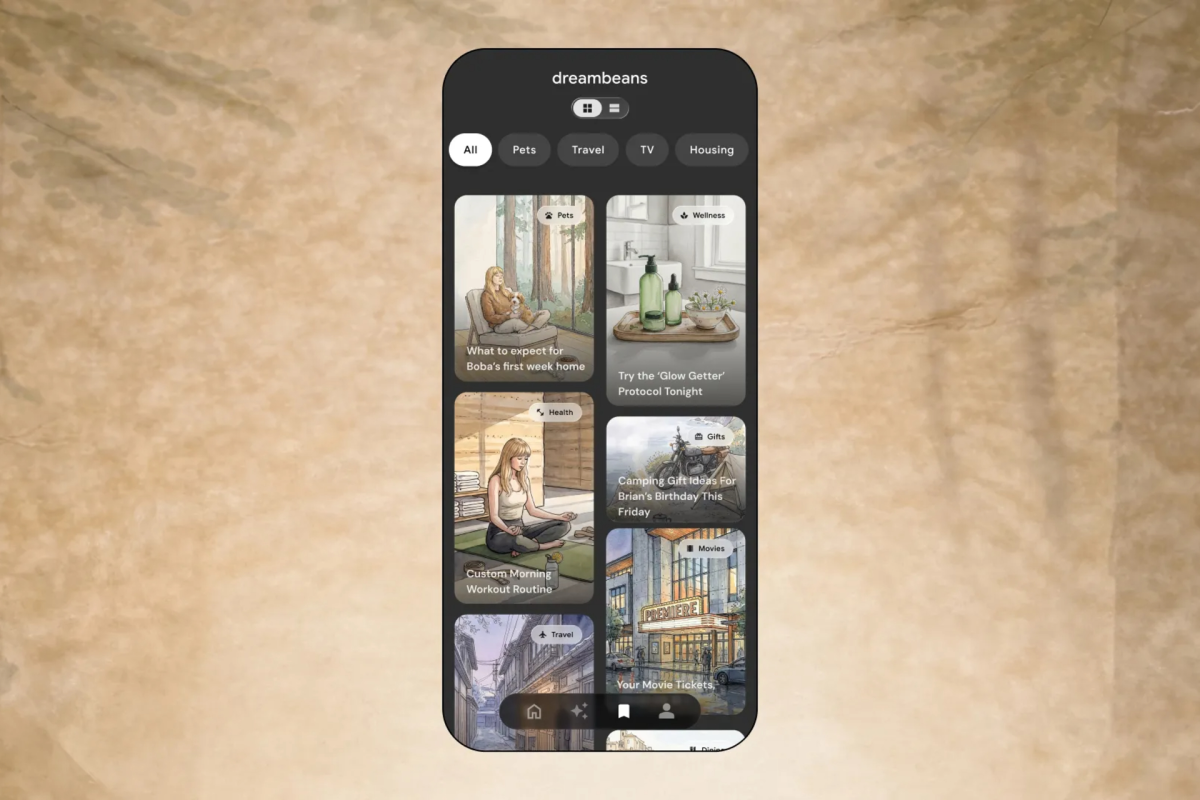
Google launched its experimental AI app Dreambeans in India on Monday, the first market outside the U.S. for the app. It supports 13 local languages alongside English and generates personalized, illustrated stories from data in a user’s connected Google services, which matters for anyone weighing how far personal-data AI products are spreading beyond their home market.
- Google launched Dreambeans in India on Monday, its first market outside the U.S., on Android and iOS, with 13 Indian languages plus English.
- The app turns data from connected Google services into daily, illustrated personal stories without a prompt.
- Users can pick only one language at a time, and mixed-language stories such as Hinglish are not yet supported.
- Sensor Tower estimates show weak U.S. uptake: about 55,000 downloads since June, with October far below September.
- Google says users can disconnect services, delete data and tell the app to avoid subjects, including business information.
Google launches Dreambeans in India on Android and iOS
Google expanded Dreambeans to India on Monday, according to TechCrunch. The app is available on both Android and iOS, and India is the first country outside the U.S. where it has been offered.
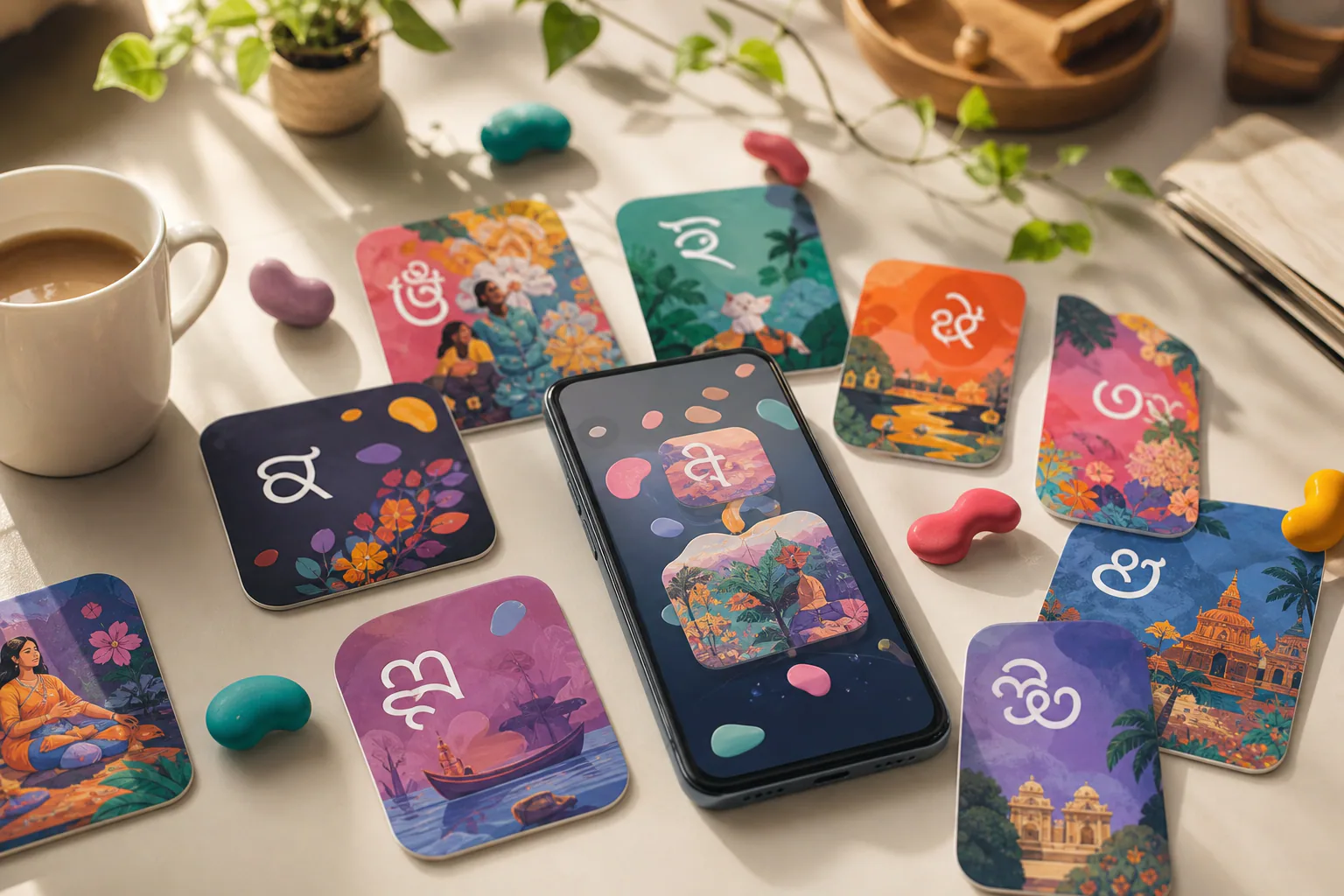
The app supports 13 local Indian languages, including Hindi, Punjabi, Tamil, Telugu and Bengali, in addition to English. TechCrunch names only those five of the 13, and other reports differ on the rest of the list.
The launch comes less than two months after Google opened the app to every eligible adult in the U.S. That is a short gap for an experimental product that first appeared in June.
In India, the app is open to users aged 18 and older with a personal Gmail account, according to launch coverage. Enterprise accounts cannot use it. If you are looking for the Google AI app in India, Android users can find it through the Google Play listing for Dreambeans by Google Labs, and iPhone users can find it in the App Store.
Why Google chose India
Product manager Gozde Oznur said the choice rested on strong interest from Indian users and on the widespread use of Google services in the country. She added that India stood out for its high overlap of users across Gemini, Gmail and Google Photos.
That overlap is relevant because Dreambeans builds its stories from connected services. A user base that already relies on several of those products gives the app more material to draw on, and a broader base for personalization from the first day.
Launch coverage places the app within Google’s wider AI push in India. Google had already expanded AI Mode and Search Live to Indian languages, and it has started showing ads in AI Mode in India. Dreambeans adds a consumer app to that effort, built on the same services many Indian users already rely on.
For Indian users with a personal Gmail account, the practical change is that an app previously limited to the U.S. is now offered in their market, in their own language, on the two main mobile platforms. The sources do not give an India-specific rollout schedule or pricing.
What Dreambeans is and how it builds stories
Dreambeans was introduced in June. It uses information from connected Google services to generate personalized, illustrated stories without requiring a prompt, so the user does not type a request and the app decides what to show. labs.google and a Google support page describe it as an experimental app from Google Labs.
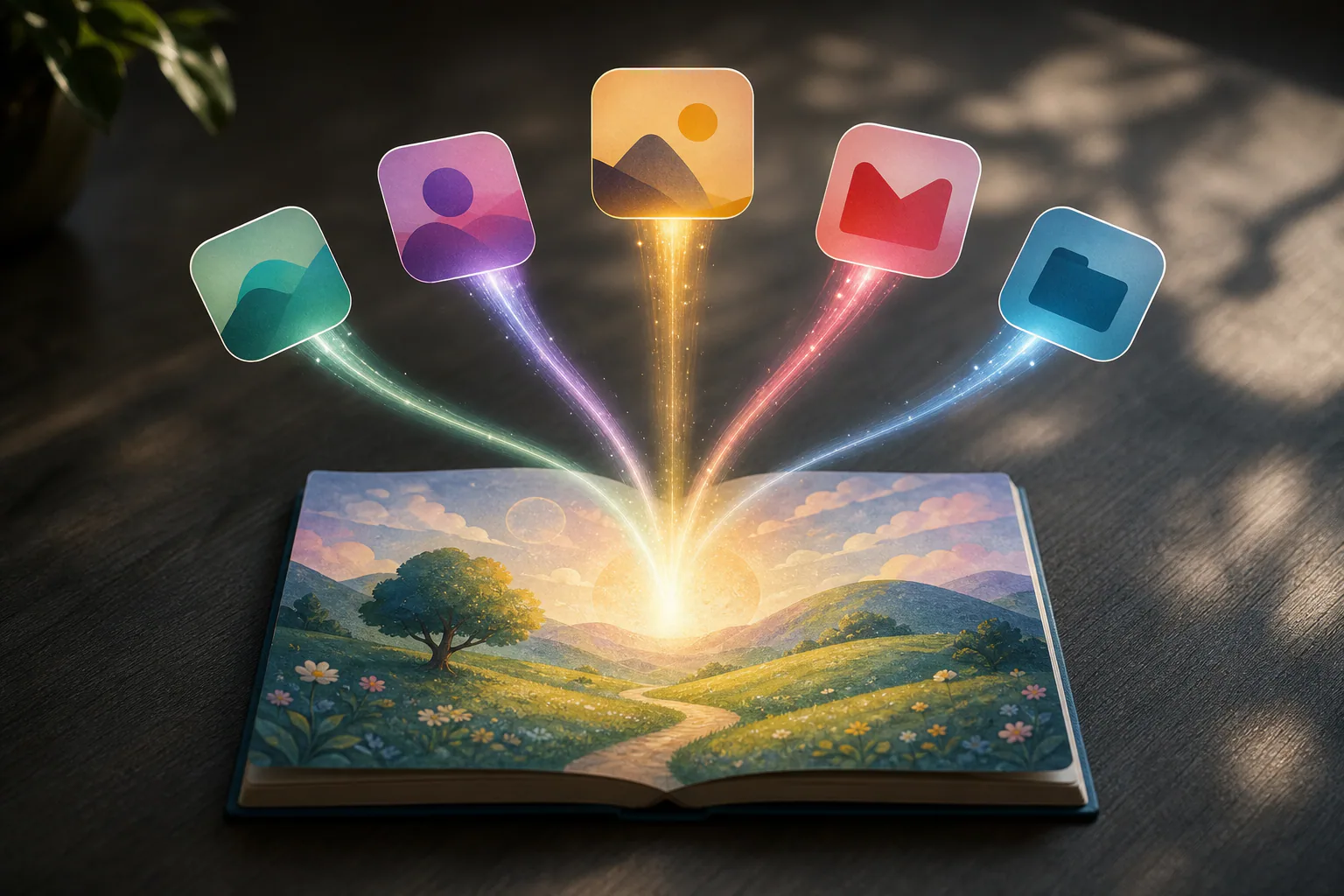
The name combines two ideas, according to labs.google. “Dream” refers to how the app works overnight to find meaning in content across connected apps. “Beans” refers to a fresh collection of stories brewed each morning.
Connected services and setup
The services that can be connected are Calendar, Gemini, Gmail, Photos, Search and YouTube. At least one connected app is required for Google’s app to build a personalized feed.
Setup is not instant. The first set of stories takes up to a day to build, and after that new stories arrive daily.
In order, the setup steps are:
- Install the app from Google Play or the App Store.
- Sign in with a personal Gmail account.
- Connect at least one Google service, such as Calendar, Gmail or Photos.
- Turn on Google Photos face grouping if you want to appear in your stories.
- Wait up to a day for the first set of stories.
The app draws on those services through Personal Intelligence, Google’s technology for pulling information from connected services to personalize what a user sees. Choices made inside Dreambeans do not affect Personal Intelligence settings in Gemini Apps or AI Mode, so changing one does not change the other.
Artwork, actions and animation
Every story is illustrated with personalized, AI-generated artwork. Stories that involve the user draw on Google Photos and Nano Banana 2 rather than stock photos. There is one condition. Featuring the user and loved ones requires Google Photos face grouping to be turned on.
Some stories include one-tap actions, such as “See Ticket” or “Watch Trailer”. These turn a story into a shortcut to something the user can do next.
Google also recently added a feature that uses Veo, its video-generation model, to animate images in select stories. Veo takes a still image and produces motion from it, so some illustrations now move rather than sit still.
Feedback
Users can respond to stories with a thumbs down or with the tuning button. Feedback is applied overnight to future stories, not to the ones already delivered, so a correction shows up the next morning at the earliest.
Language support and its limits for Indian users
Users can select only one language at a time for their generated stories. Dreambeans also cannot currently generate stories that mix languages.
That rules out Hinglish, a commonly used mix of Hindi and English, for now. Users who read and write in a blend of languages have to choose a single one.
Hindi is one of the selectable story languages, so a user who picks it receives Dreambeans in Hindi for every story in the daily set. The rules and language options reported so far are:
- One story language per user at a time.
- No mixed-language stories, including Hinglish.
- English plus 13 Indian languages.
- Named by TechCrunch: Hindi, Punjabi, Tamil, Telugu and Bengali.
- Named in other coverage, such as Android Pure and YourStory: Marathi, Urdu, Gujarati, Kannada, Malayalam, Odia, Assamese and Nepali, with reports differing on the exact set.
The restriction should be read against an earlier Google support page, which said Dreambeans was officially supported only in English. The India launch, with 13 added languages, goes beyond that description, and the sources do not say whether the support page has been updated.
Privacy controls and sensitive content
Because the app reads personal data, Google points to several controls. Oznur said users can connect and disconnect Google services at any time and delete their Dreambeans data within the app.
She also said information deleted from connected services is removed from Dreambeans’ personalization system as well. A user who removes an email or photo at the source does not leave a copy behind in the app’s personalization.
Avoiding subjects
Users can tell the app to avoid certain subjects, including business-related information. Oznur acknowledged that the app could generate stories involving people who have died, and said users can tell it to stop showing certain subjects.
Account limits
Dreambeans is available only to holders of personal Gmail accounts, not enterprise users. Stories are visible only to the account holder.
For professionals, this means a work account cannot be used, and the business-information setting is the way to keep work topics out of a personal feed.
How U.S. adoption compares with rival AI apps
Sensor Tower estimates shared with TechCrunch put Dreambeans at nearly 55,000 U.S. downloads since its June debut. Most of those came in September, when Google opened the app to every eligible U.S. adult.
October downloads then dropped sharply from the month before, to about 5,500. The sources do not offer an explanation for the drop.
First 30 days against other apps
In the first 30 days after the wider U.S. opening, Dreambeans had an estimated 29,000 downloads. Sensor Tower’s figures for other apps in their own first 30 days are below.
| App | Estimated downloads in first 30 days |
|---|---|
| Dreambeans | 29,000 |
| Meta’s Muse | 7.4 million |
| ChatGPT | 2.8 million |
| Grok Bot | 362,000 |
| Claude | 155,000 |
These are Sensor Tower estimates, not figures published by the companies. Google’s app sits below all four comparison apps, and the gap to Meta’s Muse is the widest.
Access rules and conflicting descriptions
Earlier, the U.S. version required a Google AI Ultra subscription, an age of 18 or older, a U.S. location, Android 10 or later or iOS, and a spot on a waitlist, according to a Google support page. A subscription and waitlist limit the audience, which may bear on the early download numbers.
The sources differ on whether a subscription is still needed. The support page says Dreambeans requires a Google AI Ultra subscription. TechCrunch describes the app as available to all eligible U.S. users aged 18 and older and does not mention a subscription, and labs.google says it is available to all U.S. users 18 and older.
What Google is exploring next
Google is exploring ways to make the app more actionable, helping users act on its suggestions. The one-tap actions already in some stories, such as “See Ticket” and “Watch Trailer”, point in that direction.
No timeline or specific features for that work have been given.
Sources
Photo: TechCrunch
Frequently asked questions
What is Dreambeans by Google?
What is Dreambeans by Google?
It is an experimental app from Google Labs, introduced in June, that uses information from connected Google services to generate personalized, illustrated stories without a prompt.
How do I get Dreambeans on Android or iPhone?
How do I get Dreambeans on Android or iPhone?
The app is available on Android and iOS. It requires at least one connected Google app, and the first stories take up to a day to appear. The sources do not describe a download link or steps beyond that.
Which Indian languages does Dreambeans support?
Which Indian languages does Dreambeans support?
It supports 13 local languages, including Hindi, Punjabi, Tamil, Telugu and Bengali, plus English. Only one language can be selected at a time, and mixed-language stories are not supported. The full list of 13 is not given in the sources.
Does Dreambeans need a Google AI Ultra subscription?
Does Dreambeans need a Google AI Ultra subscription?
The sources disagree. A Google support page says it does, while TechCrunch and labs.google describe the app as open to all eligible U.S. users aged 18 and older. Whether the same applies in India is not stated.
Which Google services does Dreambeans use?
Which Google services does Dreambeans use?
Calendar, Gemini, Gmail, Photos, Search and YouTube. Face grouping in Google Photos must be on for stories to feature the user and their loved ones.
Can I use Dreambeans with a work Google account?
Can I use Dreambeans with a work Google account?
No. It is available only to personal Gmail account holders, not enterprise users, and stories are visible only to the account holder.