ChatGPT can now generate an animated GIF from a text prompt or an uploaded photo, using OpenAI’s new Images 2.6 model. The ChatGPT GIF feature is rolling out to all ChatGPT and Codex users on web, desktop and mobile.
- ChatGPT can generate animated GIFs from a text prompt or an uploaded photo, using OpenAI’s new Images 2.6 model.
- The feature is rolling out to everyone using ChatGPT and Codex on web, desktop and mobile.
- Users can adjust the playback speed or edit single frames.
- OpenAI is releasing two API models, Flare for efficiency and Sunburst for higher quality.
- Users now generate well over four billion images per week via ChatGPT and the API, a billion more than in September.
ChatGPT GIF generation now works from prompts and photos
The GIF capability is built on Images 2.6, OpenAI’s newest image model. A GIF is a short, looping animation made of a handful of still frames, and ChatGPT now produces that format directly instead of only single pictures.
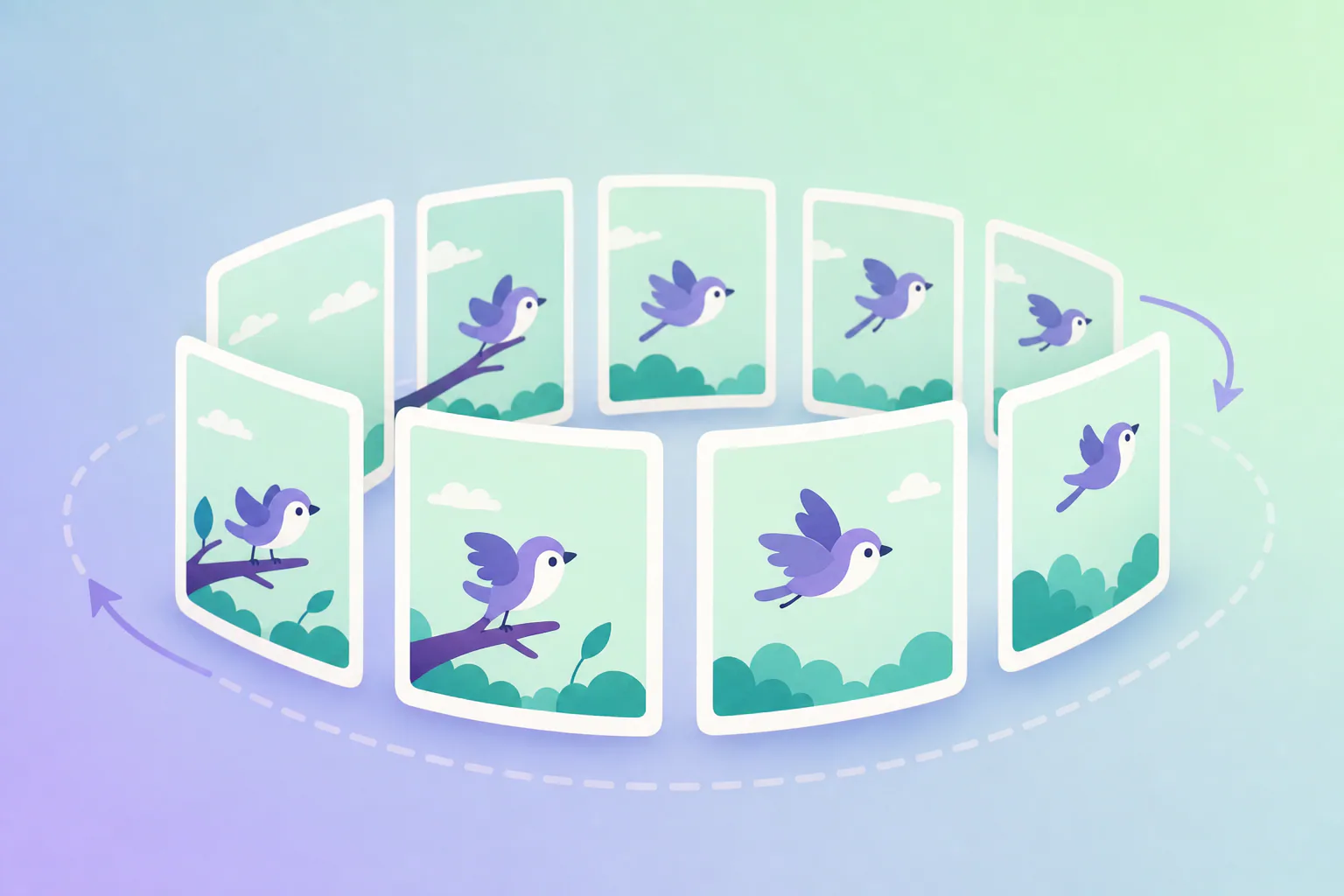
There are two ways to start. A user can type a text prompt describing the animation, or upload a photo and have it turned into a GIF.
The rollout of OpenAI’s animated GIF feature covers every ChatGPT and Codex user, according to The Verge as cited by The Decoder. It reaches the web version, the desktop apps and the mobile apps, so the feature is not tied to a single platform.
A finished GIF is not a fixed result. Users can adjust the animation speed, which sets the playback speed of the loop, or edit individual frames, which allows small corrections without starting over from a new prompt.
Images 2.6 is also meant to speed up OpenAI’s image generation overall. The model is therefore positioned not only as the engine behind GIFs but as a faster general image generator.
Saved reference images for repeat work
The same Images 2.6 release adds a second feature that cuts down on repetitive work. Users can save reference images of people, pets and characters and reuse those likenesses in later creations without uploading the photos again. If you keep producing visuals around the same mascot, family pet or recurring character, that removes a step every time you start something new.
It also fits the logic of the GIF feature, which depends on a subject staying recognizable. OpenAI has not described in detail how saved references work together with GIF generation, so that combination is still something to test rather than rely on.
For teams that produce social posts, blog visuals or short explainer loops, the practical change is that a simple animation may no longer require a separate animation tool. Several details that affect daily use have not been given: how long a GIF can run, what size it comes in, and how it is downloaded.
Those gaps matter for planning. Until OpenAI spells out file limits and export options, any workflow that depends on a specific GIF length or file size remains untested.
How to make a ChatGPT GIF step by step
Based on what OpenAI has shown so far, making a ChatGPT GIF follows a short, ordered process:
- Open ChatGPT on the web, in the desktop app or in the mobile app.
- Pick your input route. Type a text prompt that describes the animation, or upload a photo you want turned into a GIF.
- Keep the request simple and specific, like OpenAI’s own demo prompt asking for a dancing cat.
- Check the result and adjust the playback speed if the loop runs too fast or too slow.
- Edit individual frames that need a fix instead of starting over with a new prompt.
- Review the finished GIF before you publish it, since a generated animation is still a draft.
How the flipbook approach keeps a character consistent
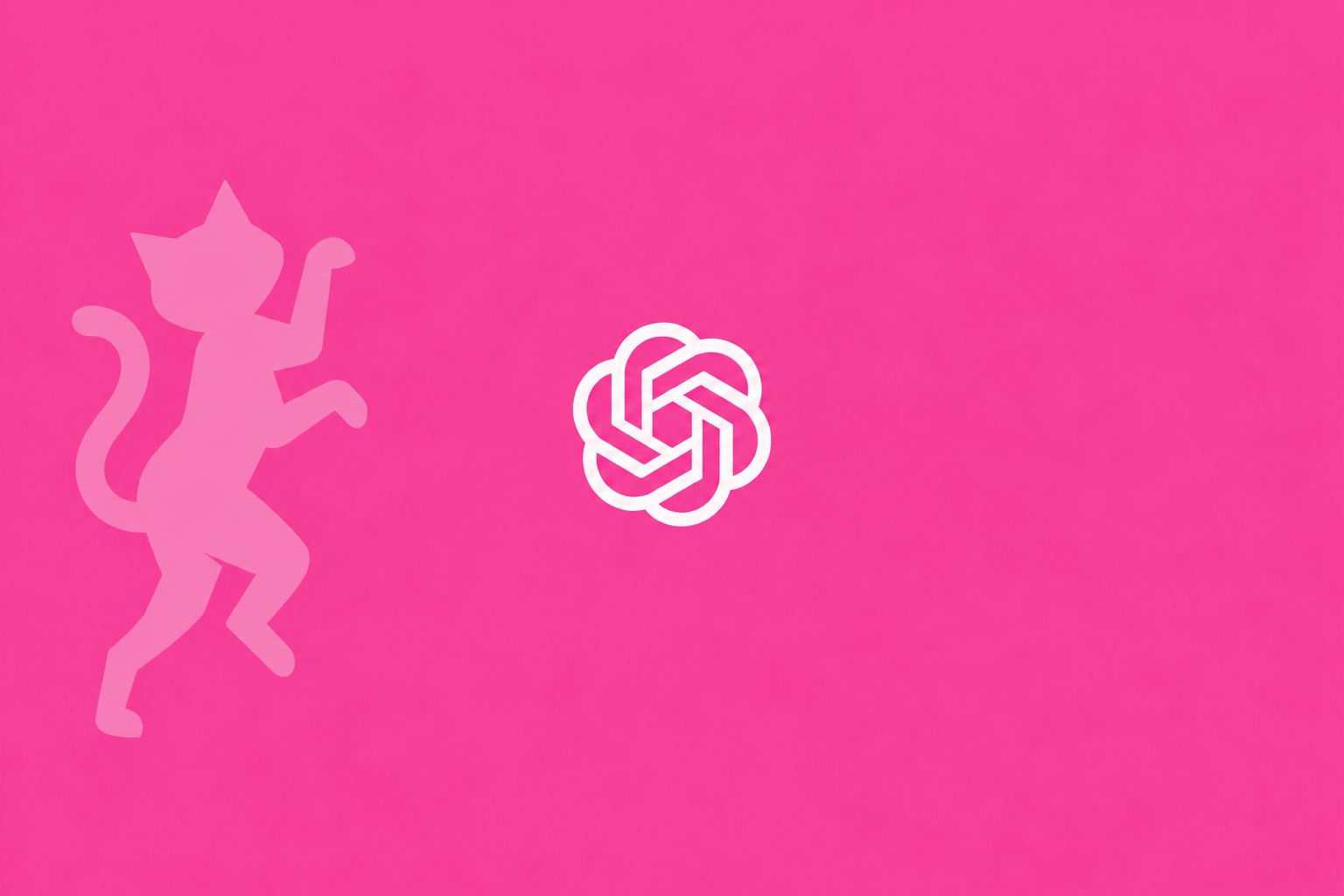
OpenAI demonstrated the feature with the prompt “Can you make a gif of a cat dancing?” The result was several slight variations of a character strung together flipbook-style into a GIF.
The flipbook comparison describes the method. Rather than animating one image with motion effects, the model produces a series of images that differ a little from one another and plays them in sequence. Each frame is a small step from the one before it.
That approach works only if the subject stays the same from frame to frame. The model’s image consistency is strong enough to keep the character recognizable across frames, so the cat in the last frame still reads as the cat from the first.
Consistency is also what makes the frame-editing option useful. Because the frames belong to one character, a change to a single frame or to the pacing does not have to break the whole animation.
The same logic applies to the photo input. A photo supplies the subject, and the frames then vary that subject in small steps, which is why recognizability across frames is the central quality of the feature.
Images 2.6 is the model the GIF feature is based on. How its name relates to earlier version names is covered further down, since the available information does not fully explain it.
New API models Flare and Sunburst target developers
Alongside the ChatGPT feature, OpenAI is releasing two API models under the GPT-Image-2.6 name. An API is the interface that lets developers build a model’s abilities into their own apps and services.
The first is “Flare,” made for efficient generation. The second is “Sunburst,” made for higher-quality image generation. Flare is the option for efficiency, Sunburst the option for quality.
Both variants were first introduced with Image 2.5, according to The Decoder. The 2.6 release therefore continues an existing two-tier setup rather than creating a new one.
Sunburst is also the variant that brings SVG export and image markup to the API. SVG export suits graphics such as logos and icons that need to stay sharp at any size. According to the coverage, Sunburst keeps a subject consistent across successive edits, the same quality the GIF feature relies on.
For developers, the split is a choice between the two goals the names describe: lower cost per image, or better output. Pricing, rate limits and whether the GIF capability is reachable through the API have not been stated, so those points remain open.
Teams that build image features into their own products will need those details before deciding which variant fits. Beyond the extra Sunburst tools, the main confirmed difference between the two is their stated focus.
Who can use it and what it means for everyday users
Can ChatGPT make GIFs from images? Yes. Users can upload a photo and generate a ChatGPT GIF from it, or skip the photo and describe the animation in text. The feature is being rolled out to everyone on ChatGPT and Codex across web, desktop and mobile.
Whether it costs anything is less clear. Some reports describe the GIF feature as open to both free and paid users. For the earlier GPT Image 2 model, Thinking mode is limited to paid ChatGPT subscribers, while Instant mode is available to all users including the free tier. The material we reviewed does not confirm which tier covers the GIF feature, so treat free access as reported rather than confirmed.
Other practical questions are also unanswered. Nothing has been said about how GIFs are downloaded, what file limits apply, or whether ChatGPT can convert an existing MP4 video into a GIF. The announced feature is about generating GIFs from prompts and photos.
OpenAI keeps investing in images because of the scale of use. According to the company, users now generate well over four billion images per week via ChatGPT and the API, one billion more than in September.
What it means for content teams and marketers
For content teams and agencies that already use AI for visuals, animated output adds one more format that can be produced in the same place as still images. A generated GIF is still a draft, and a person has to review it before it is published on a client’s site or a brand’s channels.
The most likely uses are easy to picture. Reaction GIFs and memes are an obvious fit, since they are short loops built around one face or character. A simple sketch can be uploaded and turned into an animated character, using the same photo route as any other upload. Marketing teams can animate product shots, so a still picture gets a small loop of motion for a social post or a product page.
How Images 2.6 builds on GPT Image 2 and earlier models
Images 2.6 follows a fairly short run of releases. GPT Image 1 was introduced in April 2025 and GPT Image 1.5 in December 2025.
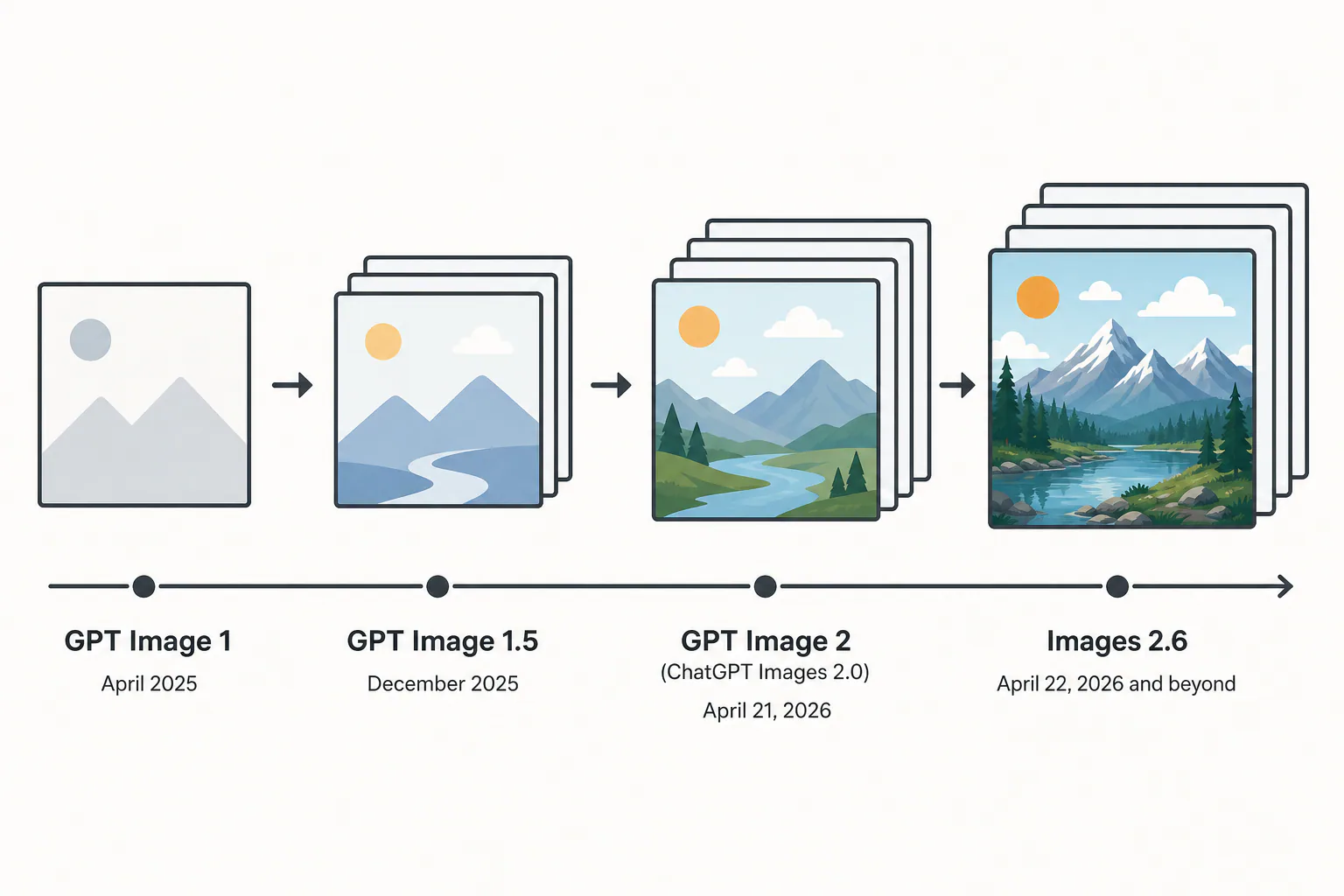
GPT Image 2, also marketed as ChatGPT Images 2.0, was released by OpenAI on April 21, 2026, under the API name gpt-image-2. It is the direct successor to GPT Image 1.5. Access in ChatGPT and Codex followed on April 22, 2026.
Thinking mode and Instant mode
GPT Image 2 includes native reasoning, called Thinking mode. This is the reasoning layer that plans the composition and can search the web before generating an image. It also checks its own outputs and can generate up to eight coherent images from one prompt.
Thinking mode is restricted to paid ChatGPT subscribers. Instant mode is available to all users, including the free tier.
Resolution, text and examples
The model natively supports output up to 2K (2048px) and aspect ratios from 3:1 to 1:3. It renders multilingual text, including Japanese, Korean, Chinese, Hindi and Bengali, with character-level accuracy. Character-level accuracy means individual letters and symbols come out correctly rather than as approximate shapes.
One example from the GPT Image 2 launch shows the range: a user had ChatGPT turn a photo of a house exterior into an annotated floor plan. That is a photo-to-image transformation, the same kind of input the GIF feature now uses.
Older tools are being retired
DALL-E 2 and DALL-E 3 were scheduled for retirement on May 12, 2026. The GPT Image line is the family that carries OpenAI’s image work forward.
What carries over to GIFs
The ability to produce several coherent images from one prompt is relevant to ChatGPT GIF generation, since a GIF is a set of related frames. The available information does not state that the GIF feature uses Thinking mode, so that link is not confirmed.
| Model | Date given | Detail |
|---|---|---|
| GPT Image 1 | April 2025 | Introduced |
| GPT Image 1.5 | December 2025 | Introduced |
| GPT Image 2 (ChatGPT Images 2.0) | April 21, 2026 | API name gpt-image-2; ChatGPT and Codex access April 22, 2026 |
| Images 2.6 | Not stated | Basis for GIF generation; API models Flare and Sunburst |
Open questions about naming and limits
The version names do not line up cleanly. Descriptions of the earlier model call it ChatGPT Images 2.0 or gpt-image-2, while the GIF announcement refers to Images 2.6 and API models named GPT-Image-2.6. None of the material explains how these version names relate to each other.
The limits of the new model are also unclear. GPT Image 2 has no transparent background support, and its knowledge cutoff is December 2025. Whether those limits carry over to Images 2.6 and its GIFs has not been stated.
For anyone planning to use GIFs in published content, that matters in practice. A missing transparent background would affect how a GIF sits on pages with different background colors, but this cannot be confirmed for the new model.
Sources
Photo by The Decoder
Frequently asked questions
Can ChatGPT make GIFs from images?
Can ChatGPT make GIFs from images?
Yes. A GIF can be generated from an uploaded photo or from a text prompt.
Is the ChatGPT GIF maker free?
Is the ChatGPT GIF maker free?
Not stated. Instant mode of GPT Image 2 is open to free users and Thinking mode is paid-only, but the tier for GIFs has not been specified.
Who gets the new GIF feature and on which devices?
Who gets the new GIF feature and on which devices?
It is rolling out to all ChatGPT and Codex users on web, desktop and mobile apps.
Can I edit a GIF after ChatGPT creates it?
Can I edit a GIF after ChatGPT creates it?
Yes. Users can adjust the animation speed or edit individual frames.
What are Flare and Sunburst?
What are Flare and Sunburst?
They are GPT-Image-2.6 API models. Flare is for efficient generation and Sunburst for higher-quality images.
Can ChatGPT convert MP4 to GIF?
Can ChatGPT convert MP4 to GIF?
Not stated. The announcement covers generating GIFs from prompts and photos, and says nothing about MP4 conversion or downloads.